
Module · Rental & property management
Tenancies, rent and owner money — in one account that adds up
Buildings, units and the owners behind them; tenancies and the monthly billing run; receipts, deposits, service charges and the payout each owner is due.
How it flows
The rental month
From a signed tenancy to a settled owner, every month.
- Property
- Tenancy
- Deposit
- Billing run
- Receipt
- Owner account
- Owner payout posted
The billing run is started by a person and previewed first; nothing is issued in the background.
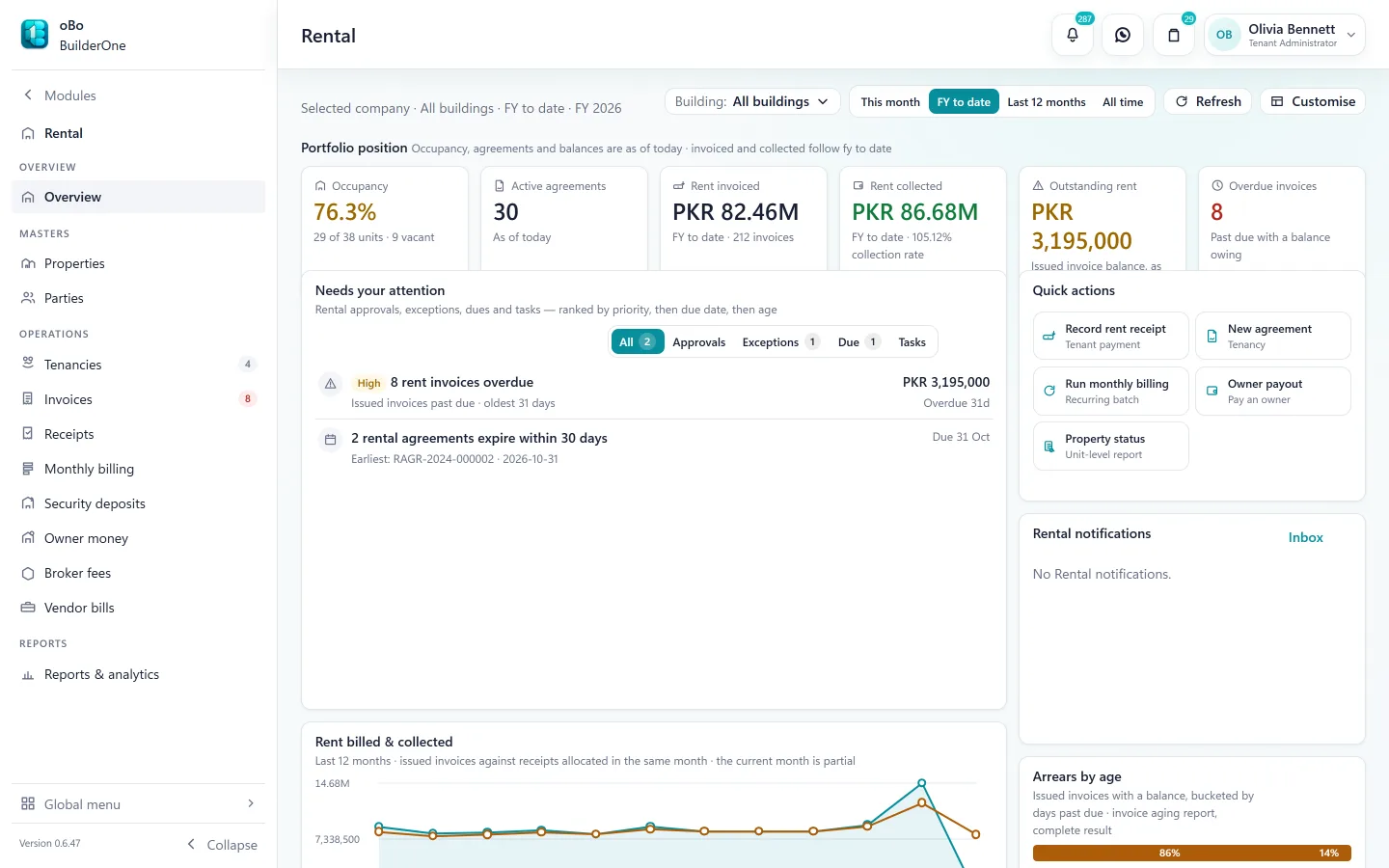
See it
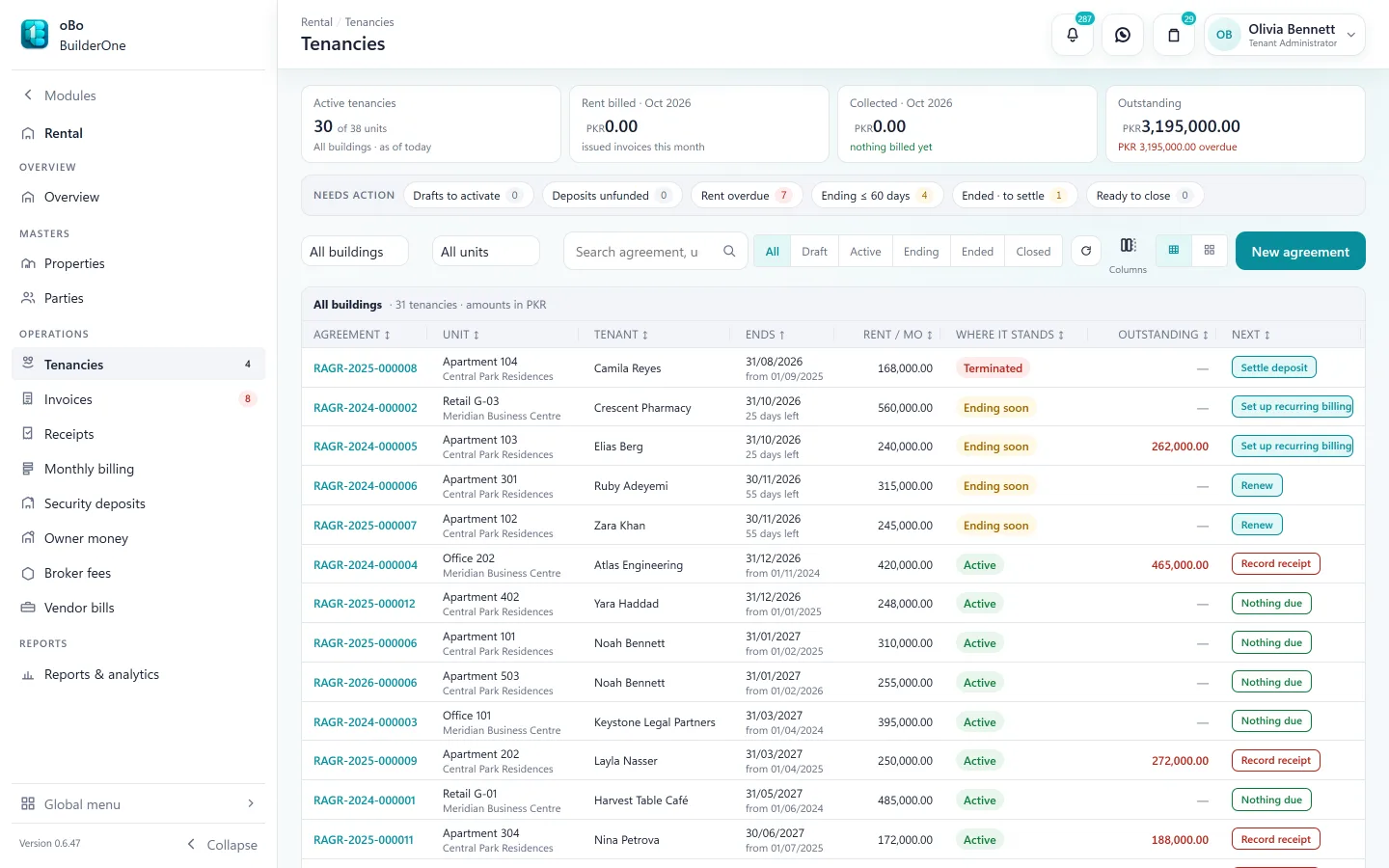
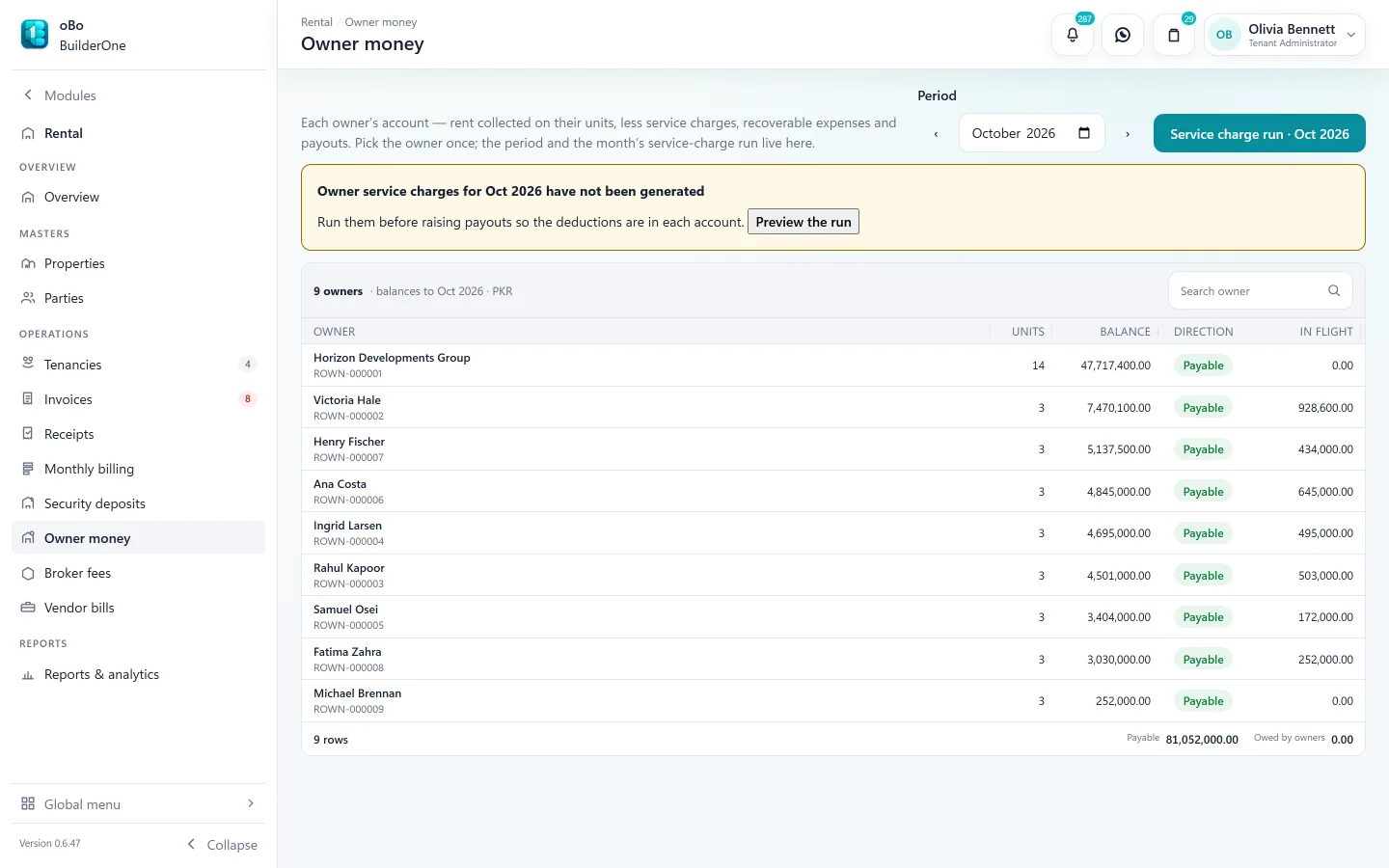
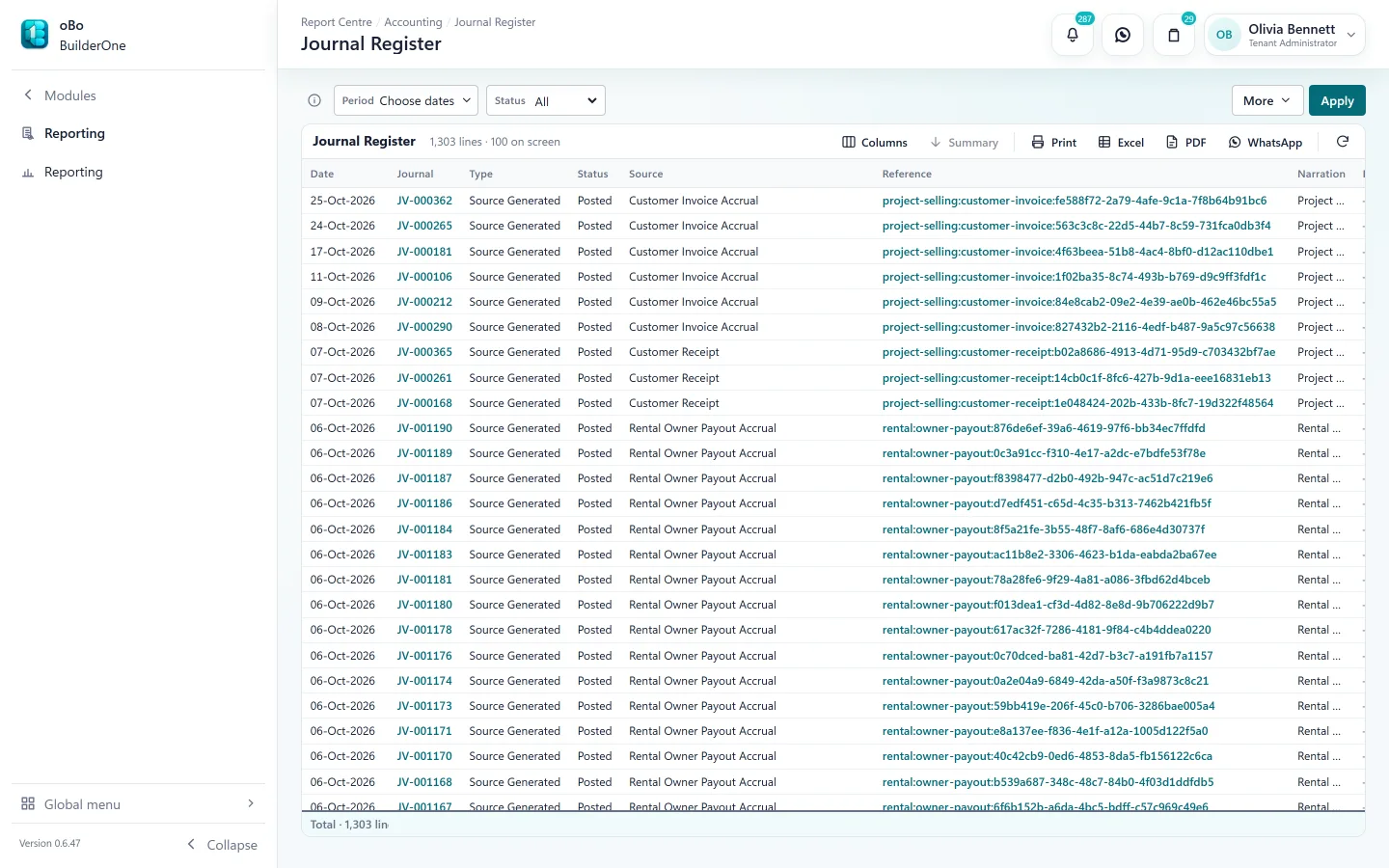
The Rental screens your team works in
Capabilities
What Rental covers
Buildings and units
Property structure with availability answered for a period, by overlap against existing agreements.
Ownership shares
Several owners can share one property by percentage, with effective dates; rent is attributed to each.
Tenancy agreements
Rent, term and charges on the agreement; renew, amend or terminate it without losing the history.
Monthly billing run
The month’s rent and service-charge invoices in one batch, with a preview of what will be issued and what will be skipped.
Receipts and arrears
Receipts against invoices, shared on WhatsApp; unpaid invoices age on the arrears view.
Security deposits
Held as a liability until applied or refunded, with an approval on the refund.
Service charges and fees
Management fees as a fixed amount or a percentage of rent, with a separate rule for vacant months; a monthly service-charge fund per building.
Owner statements and payouts
Each owner’s account is built from what actually happened; the payout is submitted, approved and paid.
Vendor bills and brokers
Repairs billed against a property as owner-recoverable or company cost; broker fees on lettings.
In the books
What Rental posts to Accounting
Rent you collect for an owner is not your income. Your management fee is your revenue; the rest is owed to the owner.
- Rent invoices → tenant receivable
- Receipts → cash or bank, clearing the receivable
- Security deposits → a liability, not income
- Service charges and fees → your revenue, charged to the owner
- Owner payouts → settle what the owner is owed
Reports
Registers and statements included
All exportable to Excel and PDF, or printed.
- Rent roll
- Lease register
- Agreement lifecycle register
- Rent charge register
- Invoice register
- Rent collection register
- Tenant receivables ageing
- Tenant statement
- Security deposit register
- Owner account
- Owner payout register
- Owner service charge register
- Monthly service-charge fund
- Property unit register
Works with
- Accounting — invoices, deposits and payouts post to the ledger
- CRM — a won letting creates the tenant
- Approval Center — owner payouts
- Contacts — tenants, owners and brokers in one directory
- WhatsApp — receipts, statements and reminders
Straight answers
Questions buyers ask us
Specific to Rental.
Are rent invoices generated automatically every month?
You run the monthly billing batch — it is one action with a preview, not a background job. Nothing is issued to tenants without someone looking at it first.
Is there a tenant or owner portal?
No. Statements and invoices are produced by your team and can be shared as PDF or over WhatsApp.
Can one property have several owners?
Yes. Ownership is recorded as percentage shares with effective dates, and rent is attributed to each owner accordingly.
Can we bring our history across from PBooksPro?
Yes. We plan your PBooksPro migration with you during setup — properties, parties, agreements and history.
See BuilderOne running on a business like yours
A walkthrough of about half an hour with the team that builds it — on your kind of projects, units and billing, not a canned slideshow.
- Tell us what you run. Four fields — it takes under a minute.
- We get back to you to arrange a time that suits you.
- We walk through your workflow — sale, rent, site or books — in the real product.