
Module · Construction ERP
From the tender to the final account, with the cost position current
Both sides of building: the developer contracting work out, and the contractor billing a client — contracts, measurement, bills, retention, site records and cost against budget.
How it flows
The cost side, end to end
The path most construction money takes — with approvals where they belong.
- Budget
- Contract & BOQ
- Measurement
- Contractor bill
- Payment
- Retention released · final account
Contractors billing a client run the same project upward: progress applications, certification and receipts.
See it
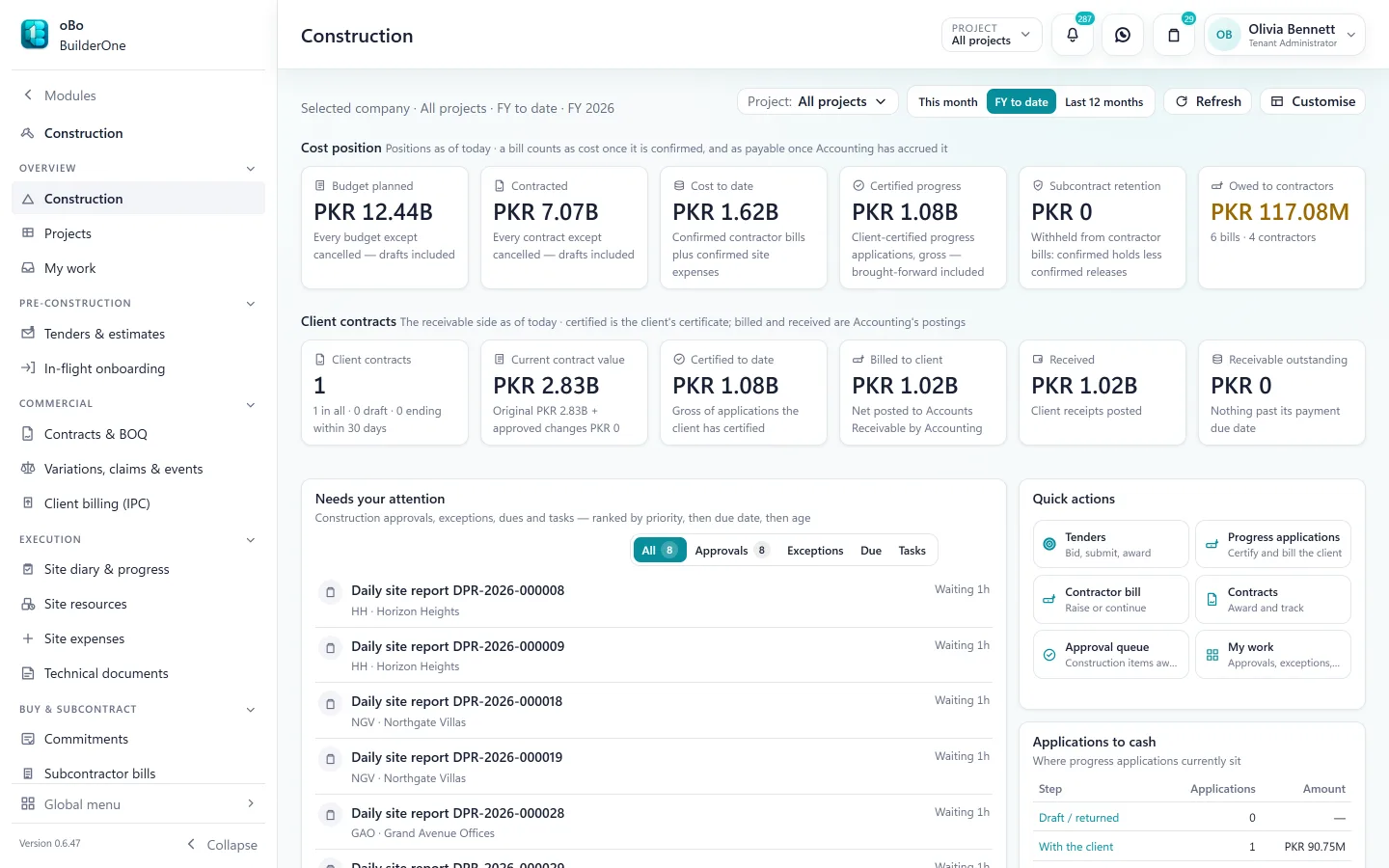
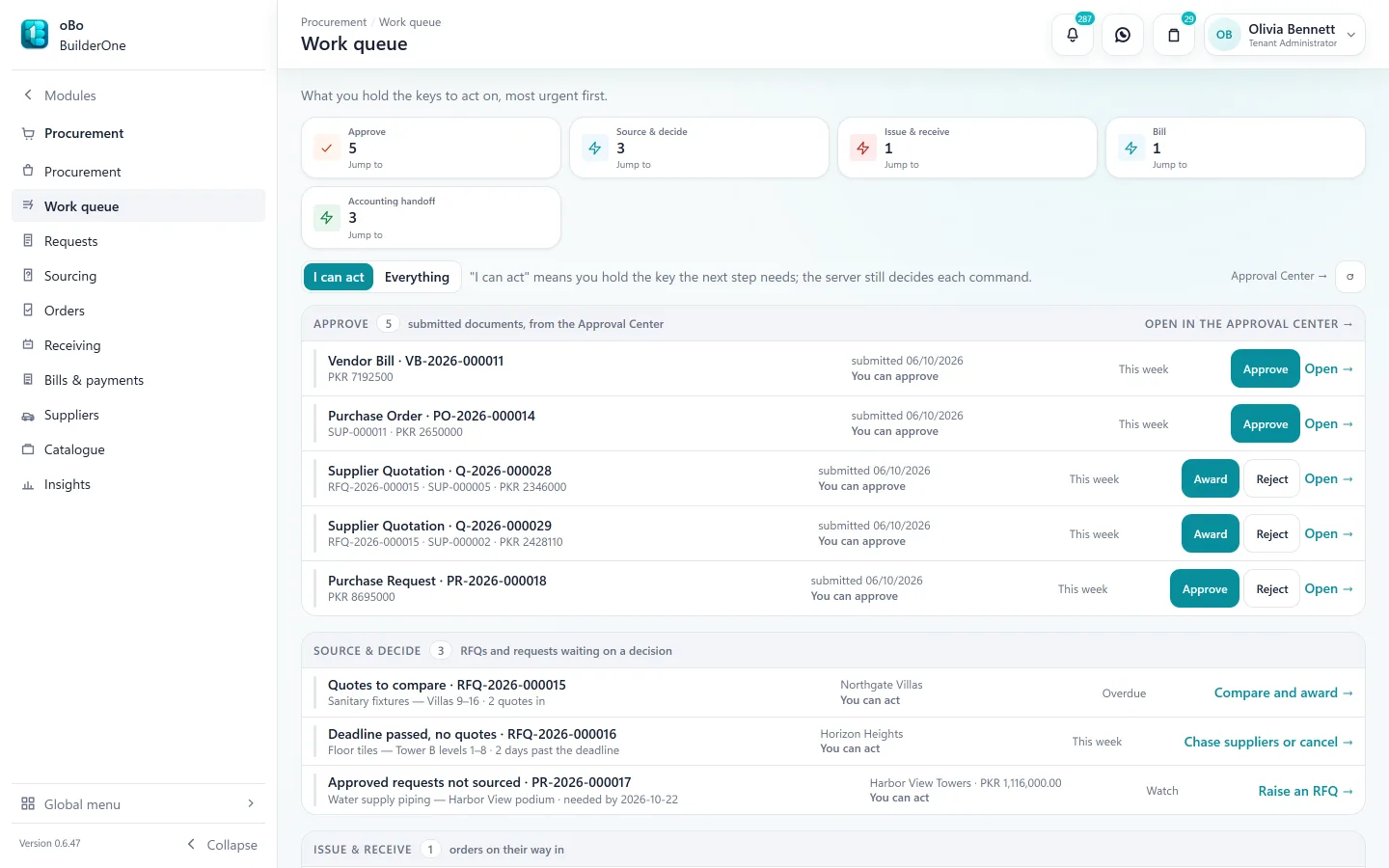
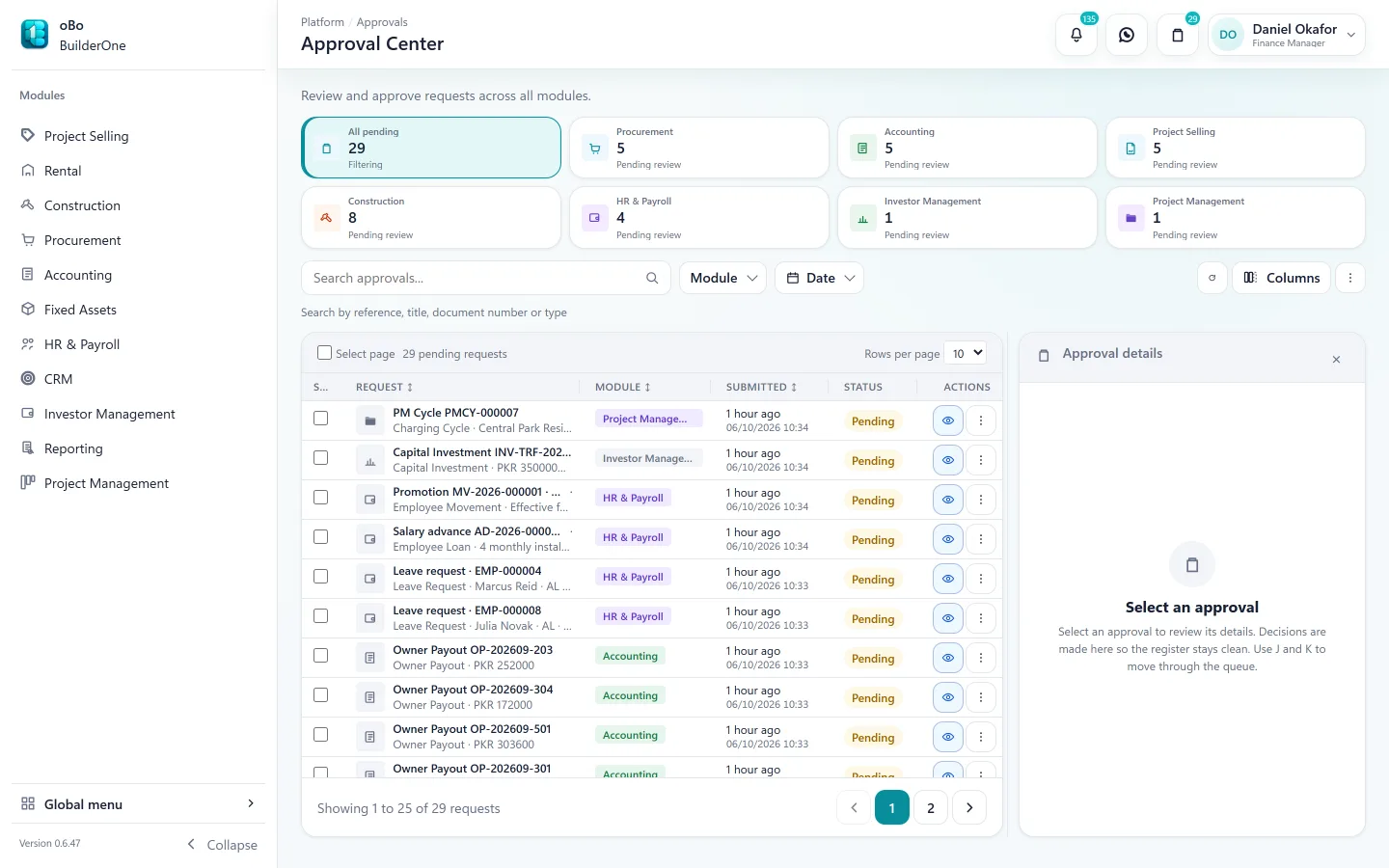
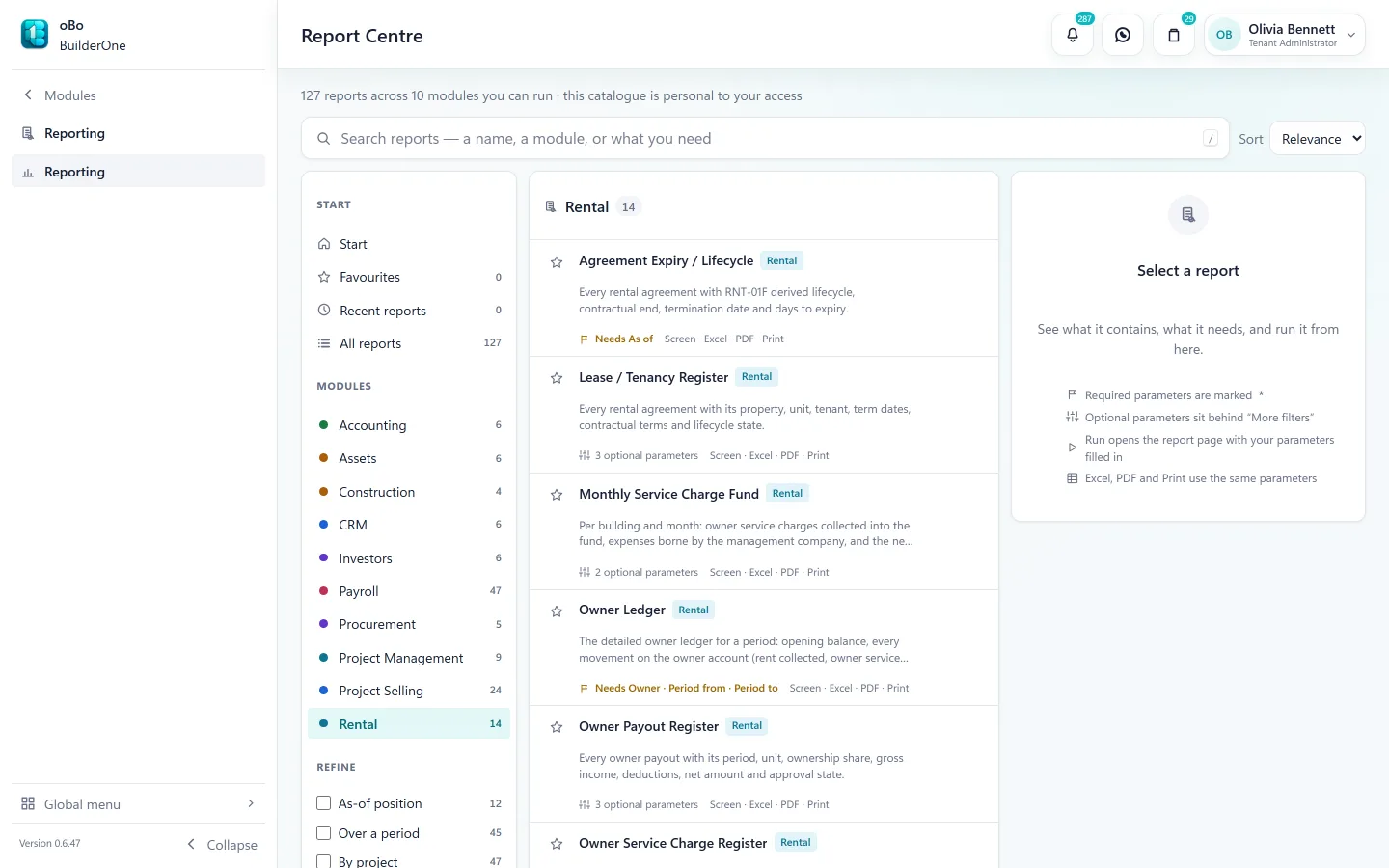
The Construction screens your team works in
Capabilities
What Construction covers
Tenders and estimates
A tender register with deadlines and estimate versions; an award creates the project, the client contract and the original budget.
Contracts and BOQ
Client and subcontract contracts with their bill of quantities, payment, advance and retention terms.
Measurement and variations
Work measured against BOQ items; variations and claims tracked as their own documents.
Contractor bills
Raised against the subcontract and routed for approval — capped at certified measured quantities where the subcontract pays on certification. Retention is held against the confirmed bill; advances are recovered when it is paid.
Client billing (IPC)
Progress applications with certification; certified work becomes a receivable; client retention and advances tracked separately.
Budgets and cost control
Budget by cost category, revisions with approval, and budget against cost as bills are confirmed.
Contract revenue recognition
Cost-to-cost, certified progress or manual progress, per contract and per period.
Site execution
Site diary and progress, site stores, timesheets, equipment logs and site expenses.
Technical, quality and HSE
RFIs, submittals, drawings and site instructions; inspection plans, non-conformances, permits, incidents and toolbox talks.
Closeout
Final accounts and defects periods, and in-flight onboarding for a project that was already running.
In the books
What Construction posts to Accounting
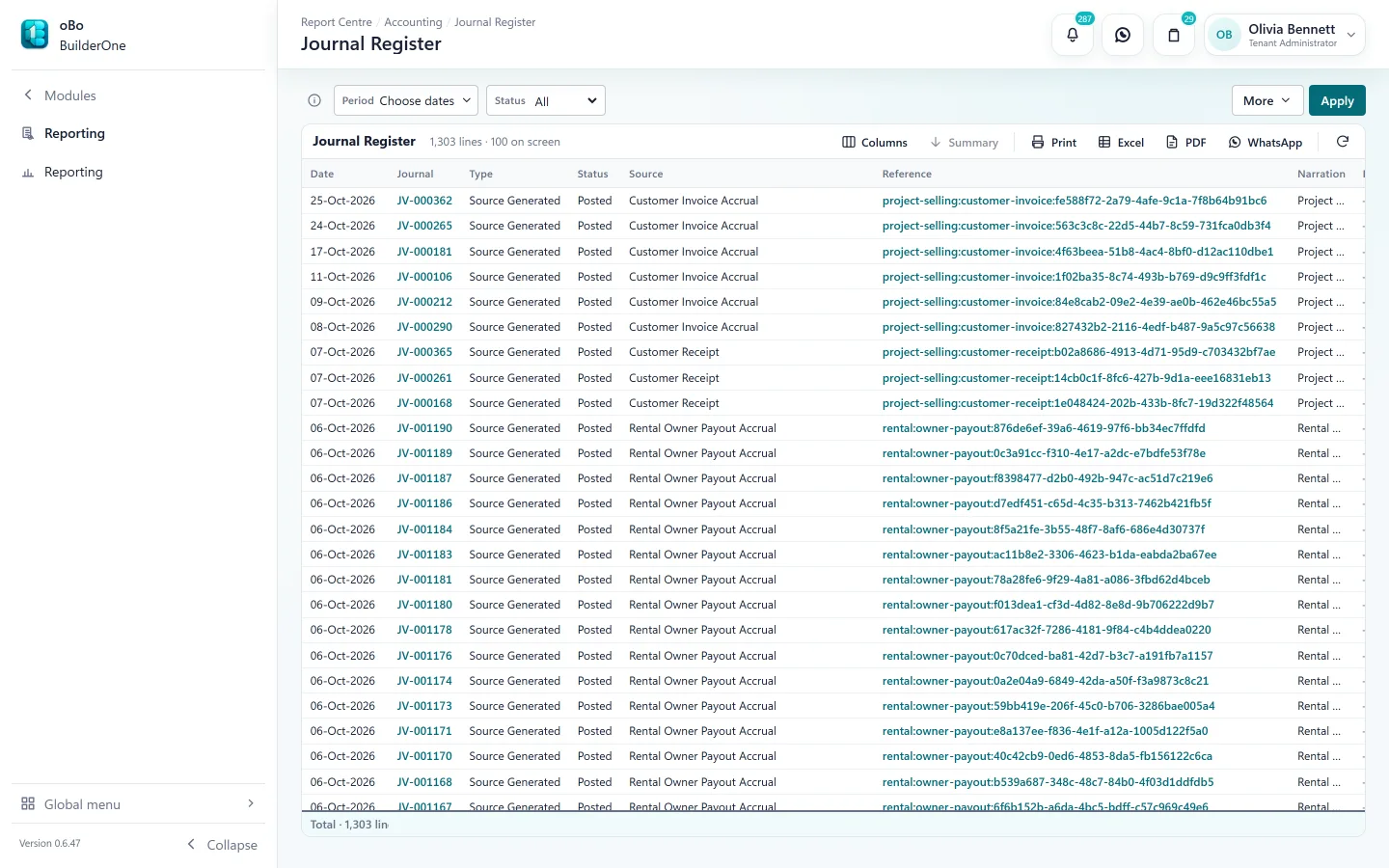
Bills and certificates reach the ledger on the project they belong to, so cost and earned value meet in one place.
- Contractor bills → cost accrued to the project, payable to the contractor
- Contractor payments → cash or bank, with advance recovery
- Certified progress applications → client receivable and retention
- Revenue recognition → the period’s contract revenue
Reports
Registers and statements included
All exportable to Excel and PDF, or printed.
- Contractor bill register
- Project cost analysis
- Site expense register
Works with
- Procurement — materials from request to vendor bill
- Accounting — bills, payments and certificates post to the ledger
- Approval Center — contractor bills, budget revisions and orders
- Project Selling — the same project, on the sales side
- HR & Payroll — labour cost allocated to the project
Straight answers
Questions buyers ask us
Specific to Construction.
Is there an inventory or warehouse module?
There is no separate warehouse module. Construction includes site stores — stock received, issued, transferred and counted per project. Store quantities are for project control and do not post to the ledger.
How deep is construction reporting?
Four registers — contractor bills, contractor payments, project cost analysis and site expenses — plus the Construction landing page and per-project views. The financial statements come from Accounting, scoped to the project.
Can site staff use it on a phone?
BuilderOne is built for desktop and laptop browsers. Site offices use it on a laptop; there is no mobile app.
We have projects half-built. Can we start with those?
Yes. In-flight onboarding brings a running project in with its contracts and opening balances.
Keep exploring
Related
- For construction businessesFrom budget to paid contractor.
- ProcurementRequest to vendor bill.
- Workflow & approvalsRoutes, bands and the Approval Center.
Read how the accounting works
See BuilderOne running on a business like yours
A walkthrough of about half an hour with the team that builds it — on your kind of projects, units and billing, not a canned slideshow.
- Tell us what you run. Four fields — it takes under a minute.
- We get back to you to arrange a time that suits you.
- We walk through your workflow — sale, rent, site or books — in the real product.